 9.4
XP-PEN
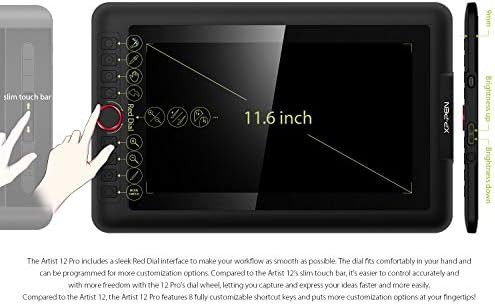
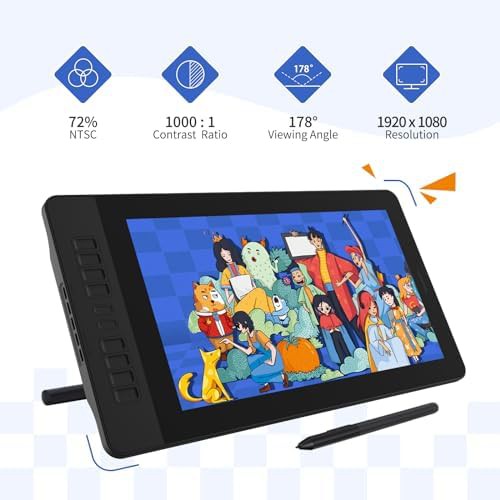
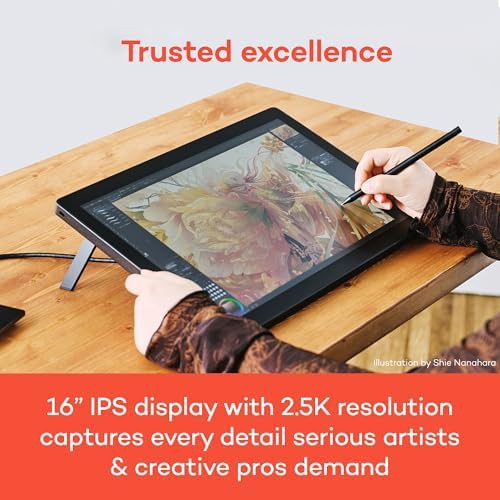
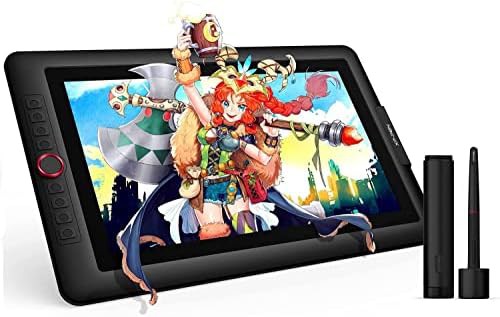
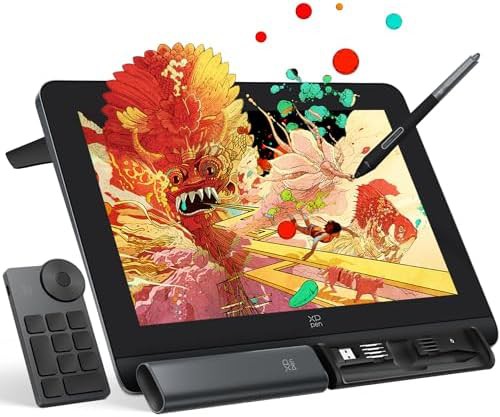
Laminated 15.6 inch display with red dial
$360
15.6" Red With shortcut keys 8192 pressure level tablets With dial controller
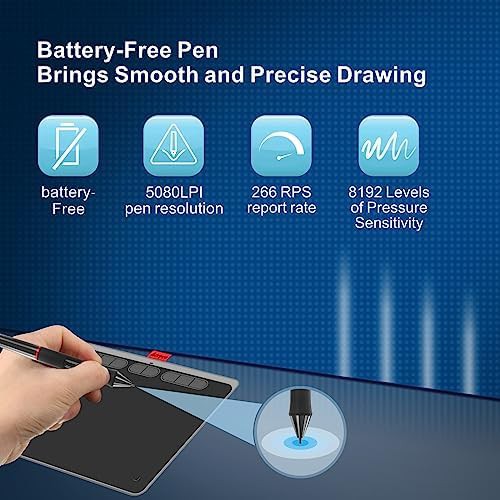
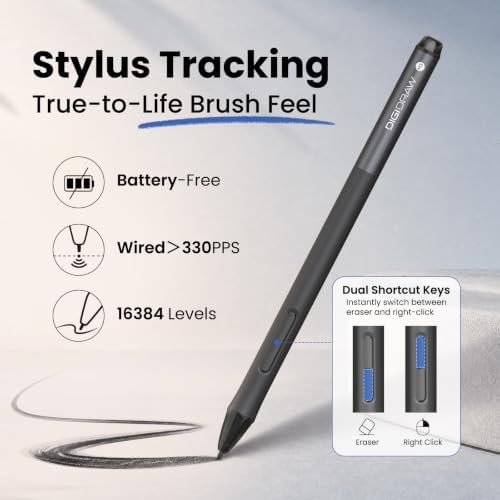
Advanced pens that detect the angle of the stylus for natural brush stroke effects 61 tablets · 13 brands
| # | Maker | Item | Range | Details | See listing |
|---|---|---|---|---|---|
| 1 | GAOMON |
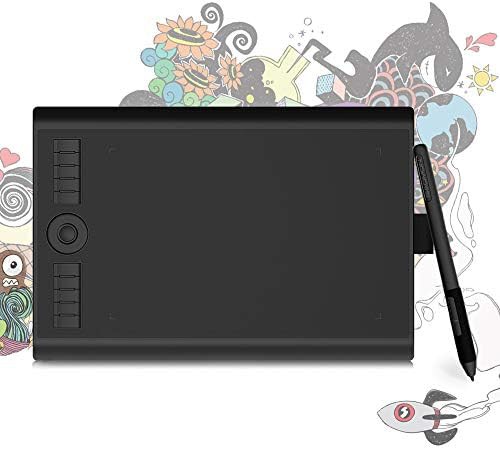 9.2
GAOMON Drawing tablet with tilt support and radial controller |
$40.84 | Battery-free stylus tablets · With shortcut keys · 8192 pressure level tablets |
$40.84
See listing
|
| 2 | Wacom |
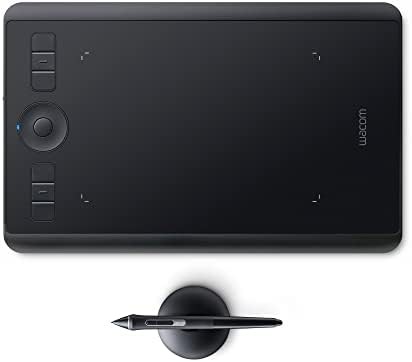 9.4
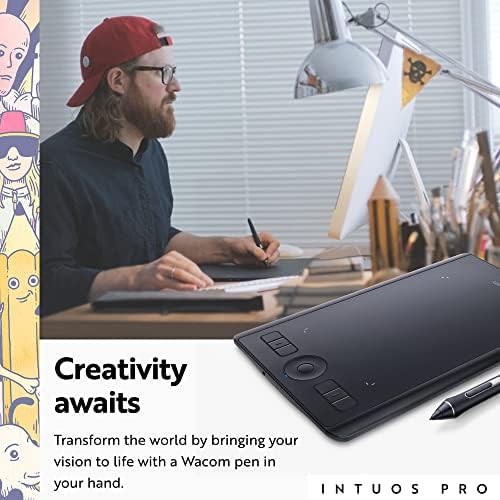
Wacom Intuos Pro small wireless drawing tablet |
$170 | Screenless drawing tablets · For graphic design · Mac compatible tablets |
$170
See listing
|
| 3 | HUION |
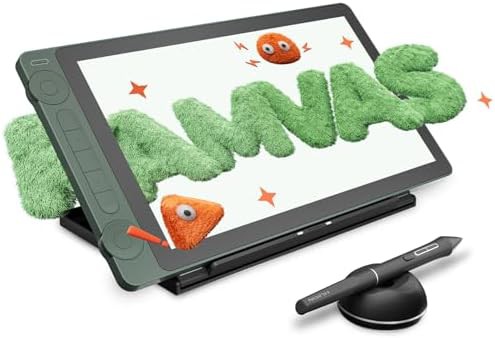 9.3
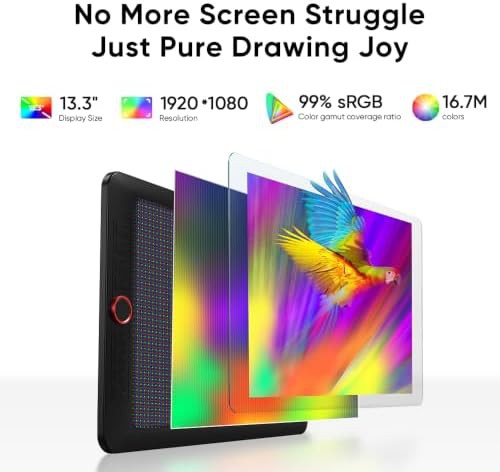
HUION Special edition 13.3 inch tablet with tilt |
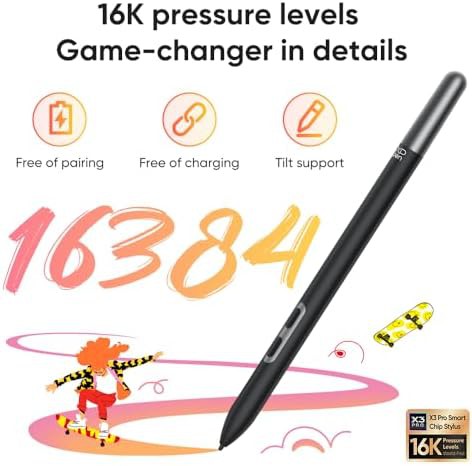
$208 | 13" · 16384 pressure level tablets |
$208
See listing
|
| 4 | XPPen |
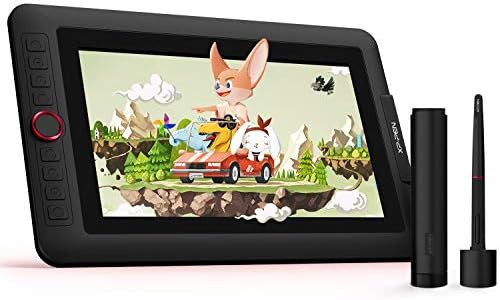 9.3
XPPen Pro 11.6 inch full laminated pen display |
$190 | Battery-free stylus tablets · Drawing tablets with screen · With shortcut keys |
$190
See listing
|
| 5 | XP-PEN |
9.4
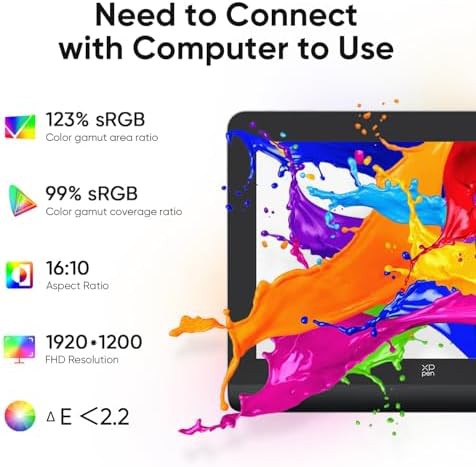
XP-PEN Laminated 15.6 inch display with red dial
|
$360 | 15.6" · Red · With shortcut keys |
$360
See listing
|
| 6 | drawing tablet |
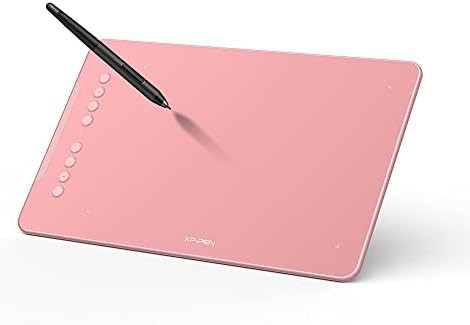 9.3
drawing tablet Pink 10 by 6.25 inch digital drawing pad |
$59.99 | Chromebook compatible tablets · Battery-free stylus tablets · With shortcut keys |
$59.99
See listing
|
| 7 | UGEE |
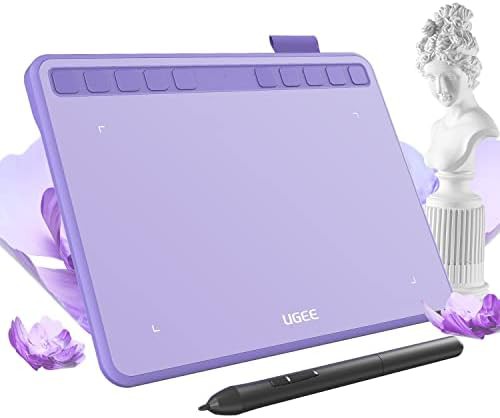 8.4
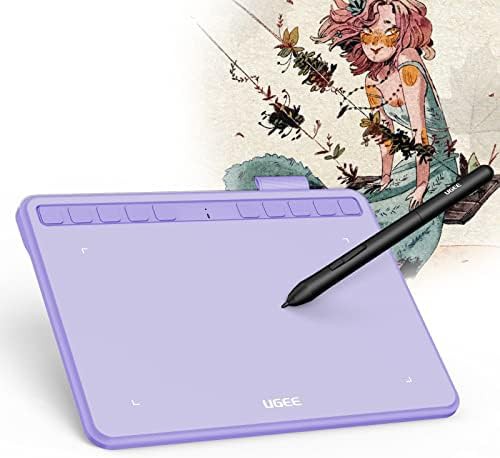
UGEE Purple graphics tablet with tilt support |
$37.99 | For graphic design · Battery-free stylus tablets · Mac compatible tablets |
$37.99
See listing
|
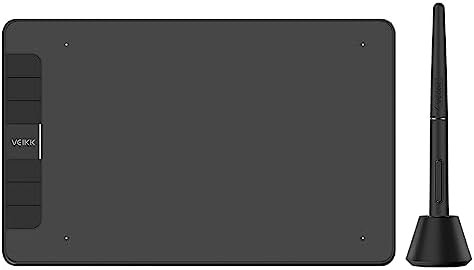
| 8 | VEIKK |
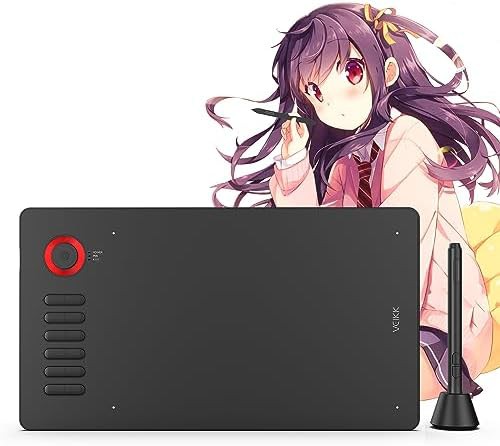 9.4
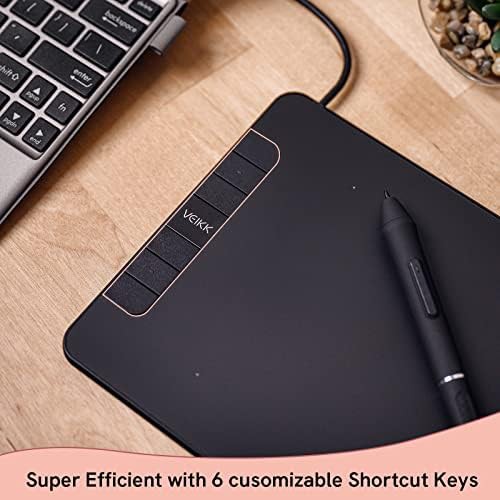
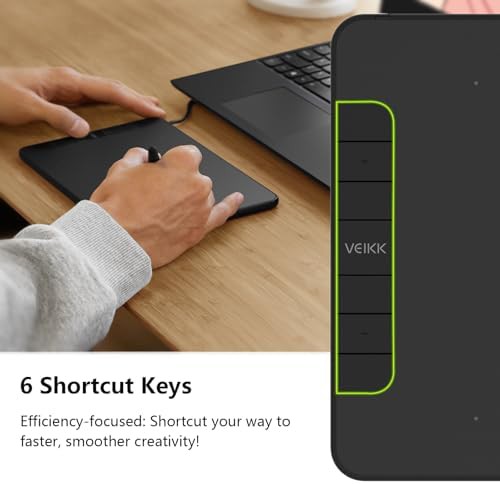
VEIKK Ten by six inch tablet with red dial |
$45.99 | Red · Screenless drawing tablets · Mac compatible tablets |
$45.99
See listing
|
| 9 | XENCELABS |
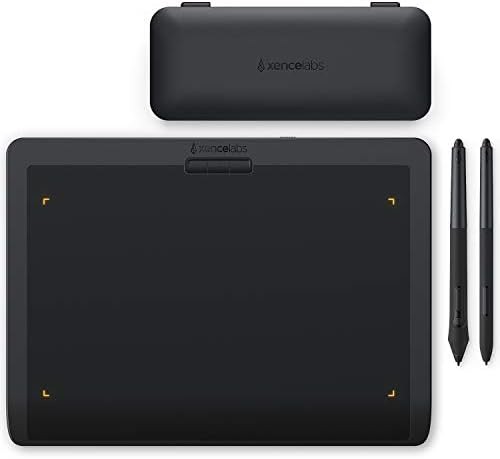 8.8
XENCELABS Medium wireless graphic tablet with tilt support |
$225 | Screenless drawing tablets · For graphic design · Battery-free stylus tablets |
$225
See listing
|
| 10 | Acepen |
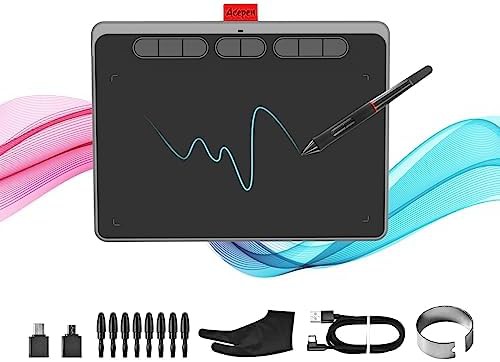 8.4
Acepen Medium graphics tablet with eight hot keys |
$36.99 | Screenless drawing tablets · For graphic design · Battery-free stylus tablets |
$36.99
See listing
|
9.4
15.6" Red With shortcut keys 8192 pressure level tablets With dial controller
9.4
Screenless drawing tablets For graphic design Mac compatible tablets With shortcut keys 8192 pressure level tablets Windows compatible tablets
9.4
Red Screenless drawing tablets Mac compatible tablets With shortcut keys Android compatible tablets
9.3
Battery-free stylus tablets Drawing tablets with screen With shortcut keys 8192 pressure level tablets Full-laminated screen tablets
9.3
Chromebook compatible tablets Battery-free stylus tablets With shortcut keys 16384 pressure level tablets 10x6 in drawing tablets
9.3
9.2
Battery-free stylus tablets With shortcut keys 8192 pressure level tablets Android compatible tablets 10x6 in drawing tablets
 9.1
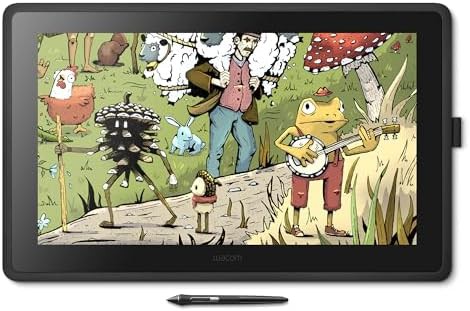
Drawing tablets with screen 8192 pressure level tablets Drawing tablets for beginners For animation 22 inch drawing tablets
 9.1
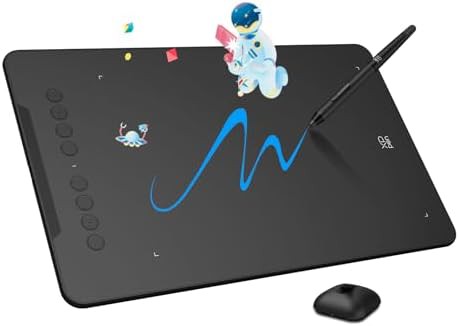
For graphic design Mac compatible tablets With shortcut keys Windows compatible tablets Android compatible tablets
 9.1
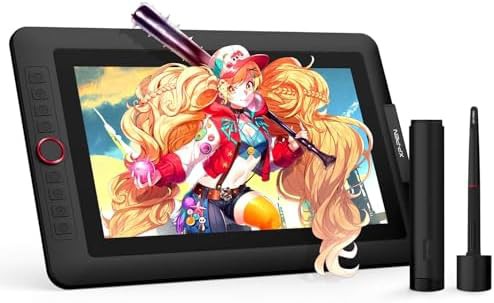
13" Full-laminated screen tablets 16384 pressure level tablets
 9.1
Battery-free stylus tablets With shortcut keys 8192 pressure level tablets Affordable 6x4 inch drawing tablets
 9.1
For graphic design 16384 pressure level tablets Standalone drawing tablets
 9.0
Screenless drawing tablets Battery-free stylus tablets Mac compatible tablets Windows compatible tablets Android compatible tablets
 9.0
14" Battery-free stylus tablets Full-laminated screen tablets 16384 pressure level tablets With dial controller
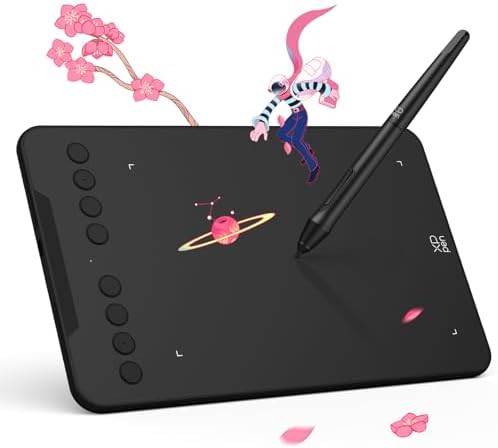 8.9
Chromebook compatible tablets Battery-free stylus tablets Mac compatible tablets With shortcut keys Android compatible tablets
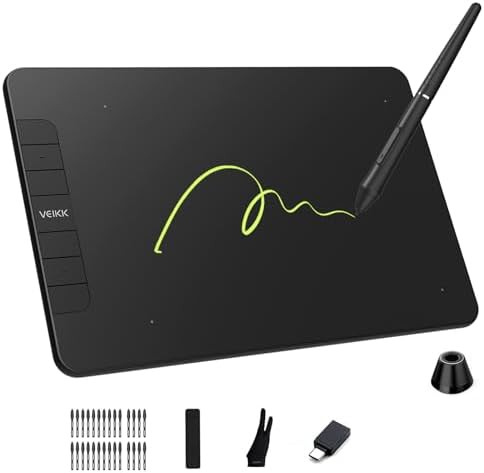 8.9
Screenless drawing tablets Battery-free stylus tablets With shortcut keys 8192 pressure level tablets Affordable
8.8
Screenless drawing tablets For graphic design Battery-free stylus tablets Mac compatible tablets 8192 pressure level tablets Windows compatible tablets
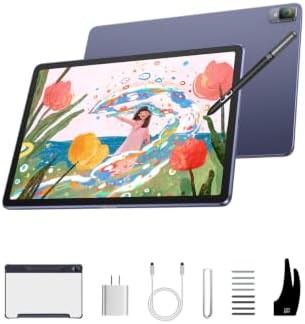 8.8
For graphic design 16384 pressure level tablets Standalone drawing tablets
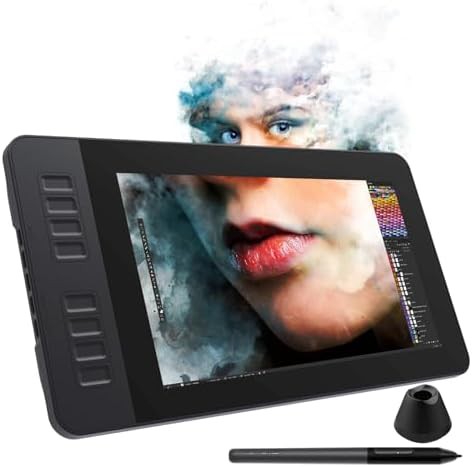 8.7
Battery-free stylus tablets With shortcut keys 8192 pressure level tablets 11.6 inch drawing tablets
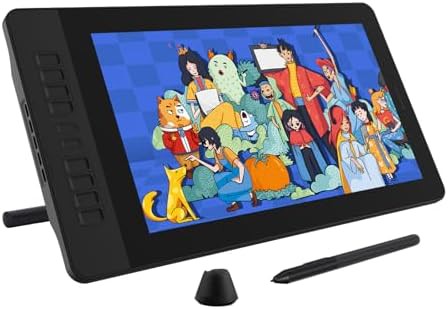 8.7
15.6" Battery-free stylus tablets With shortcut keys 8192 pressure level tablets
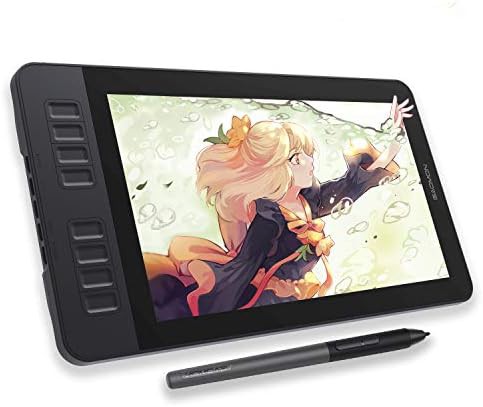 8.7
Drawing tablets with screen With shortcut keys 11.6 inch drawing tablets
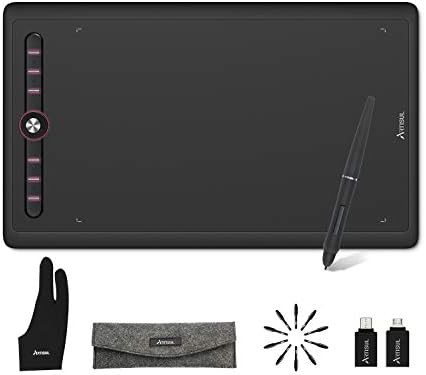 8.7
Screenless drawing tablets Drawing tablets for beginners 10x6 in drawing tablets With dial controller For animation
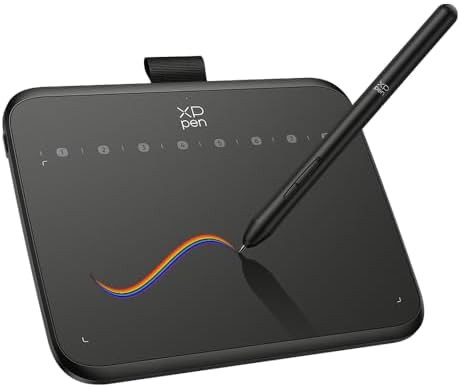 8.7
For graphic design Battery-free stylus tablets Mac compatible tablets Android compatible tablets 16384 pressure level tablets
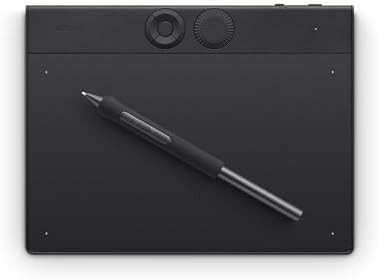 8.6
Screenless drawing tablets With shortcut keys 8192 pressure level tablets Bluetooth drawing tablets With dial controller
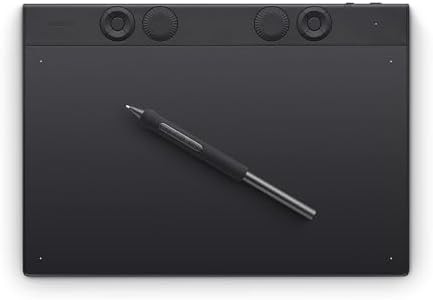 8.6
Screenless drawing tablets With shortcut keys 8192 pressure level tablets Bluetooth drawing tablets With dial controller
8.4
For graphic design Battery-free stylus tablets Mac compatible tablets With shortcut keys 8192 pressure level tablets Windows compatible tablets
8.4
Screenless drawing tablets For graphic design Battery-free stylus tablets Mac compatible tablets With shortcut keys 8192 pressure level tablets
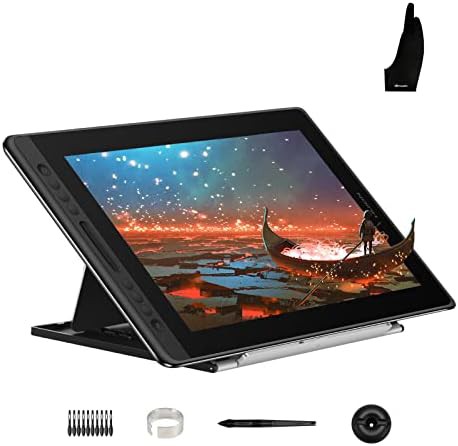 8.3
15.6" Battery-free stylus tablets Mac compatible tablets Windows compatible tablets Full-laminated screen tablets
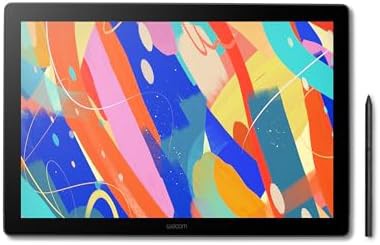 8.3
For graphic design Drawing tablets with screen With shortcut keys 8192 pressure level tablets 16 inch drawing tablets
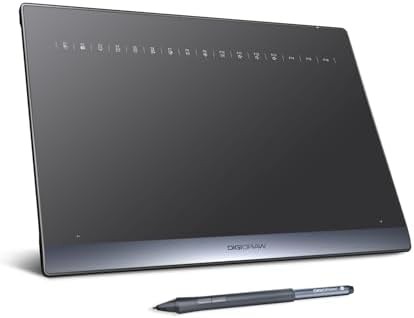 8.2
For graphic design 10x6 in drawing tablets Bluetooth drawing tablets Wireless drawing tablets Wired drawing tablets
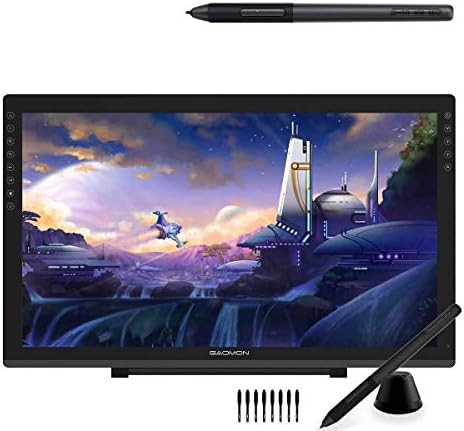 8.1
For graphic design Drawing tablets with screen 8192 pressure level tablets Full-laminated screen tablets For animation
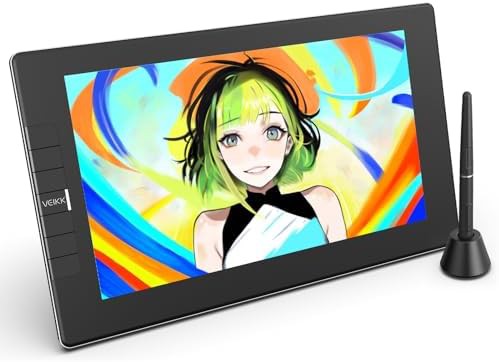 8.0
For graphic design Battery-free stylus tablets Drawing tablets with screen With shortcut keys 8192 pressure level tablets
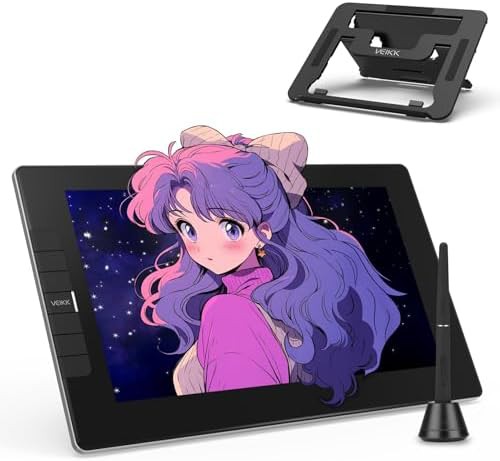 8.0
Drawing tablets with screen Full-laminated screen tablets 16384 pressure level tablets 11.6 inch drawing tablets
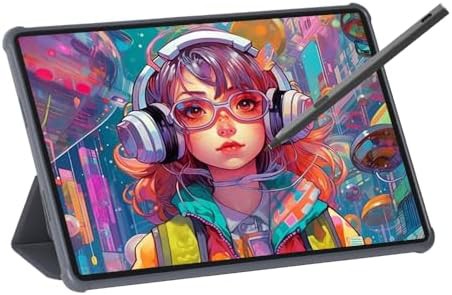 7.9
Standalone drawing tablets Rechargeable drawing tablets 11.6 inch drawing tablets 4096 pressure level tablets
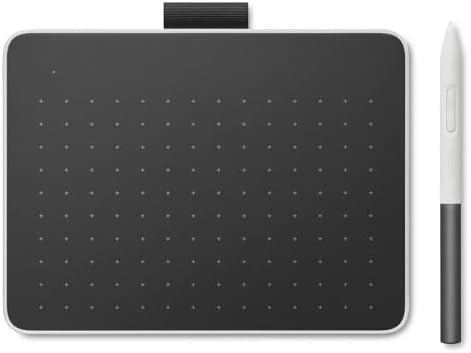 7.8
Drawing tablets for beginners Bluetooth drawing tablets For note-taking 4096 pressure level tablets
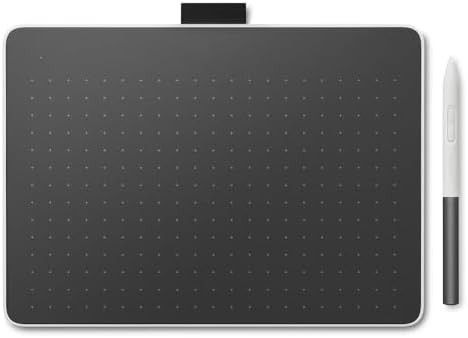 7.8
For graphic design Drawing tablets for beginners Bluetooth drawing tablets 4096 pressure level tablets
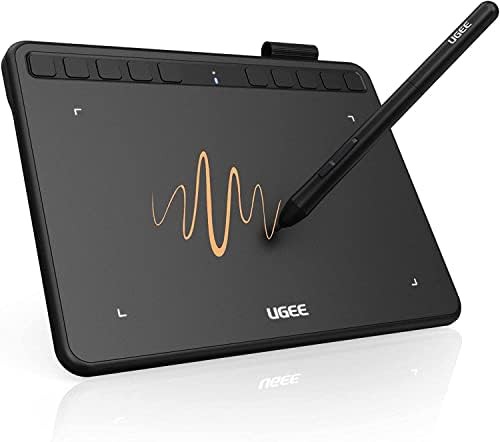
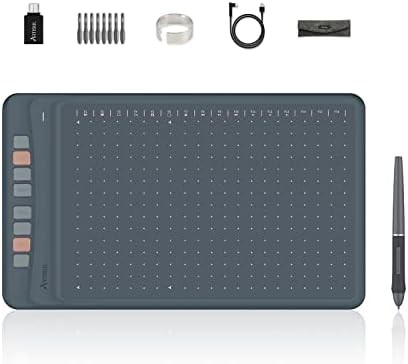
Screenless drawing tablets For graphic design Battery-free stylus tablets Mac compatible tablets With shortcut keys 8192 pressure level tablets
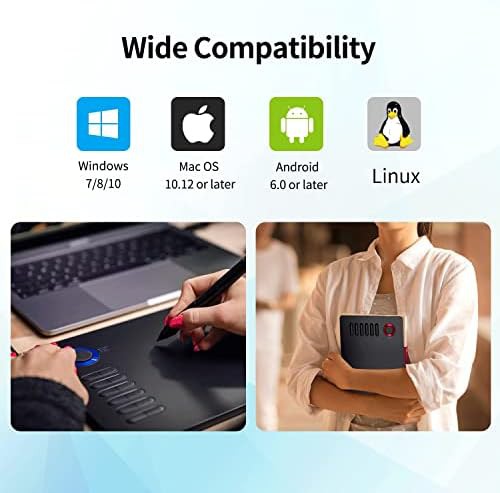
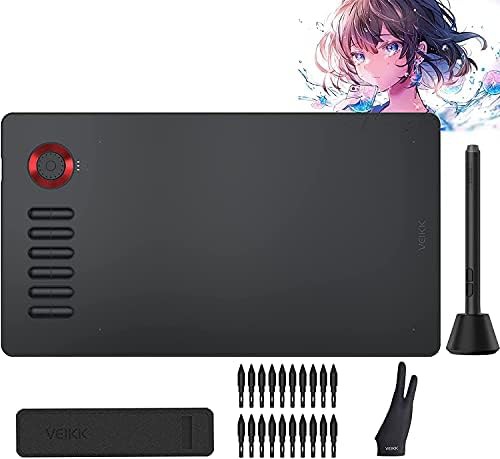
Chromebook compatible tablets For graphic design Mac compatible tablets 8192 pressure level tablets Windows compatible tablets Android compatible tablets
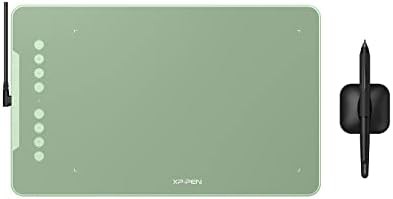
Screenless drawing tablets For graphic design Battery-free stylus tablets Mac compatible tablets With shortcut keys Windows compatible tablets
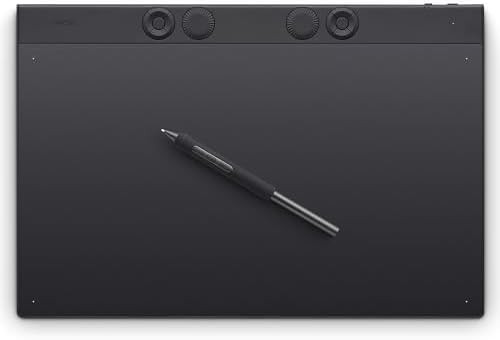
Green Chromebook compatible tablets For graphic design Battery-free stylus tablets With shortcut keys
Screenless drawing tablets With shortcut keys 8192 pressure level tablets Bluetooth drawing tablets With dial controller
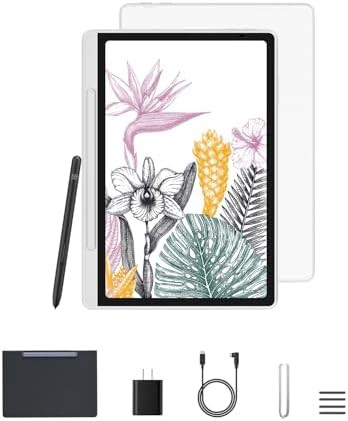
Battery-free stylus tablets Android compatible tablets 16384 pressure level tablets Standalone drawing tablets For note-taking
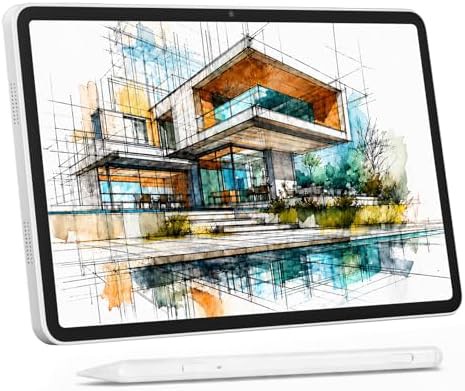
Android compatible tablets Drawing tablets for beginners Drawing tablets for kids Standalone drawing tablets 13.3 inch drawing tablets
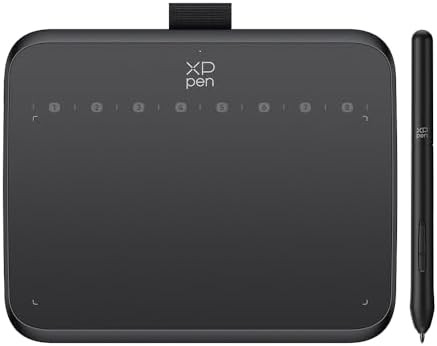
Battery-free stylus tablets Mac compatible tablets Windows compatible tablets Android compatible tablets 16384 pressure level tablets
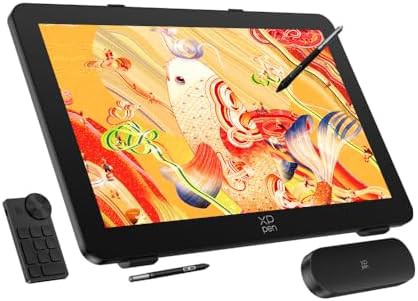
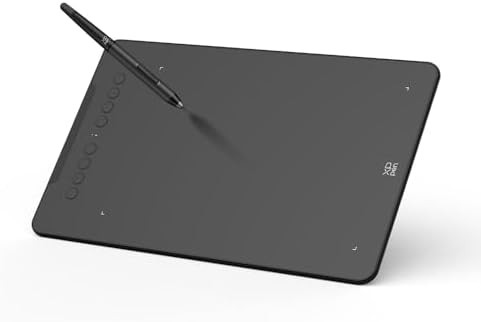
Battery-free stylus tablets Mac compatible tablets With shortcut keys Windows compatible tablets Android compatible tablets
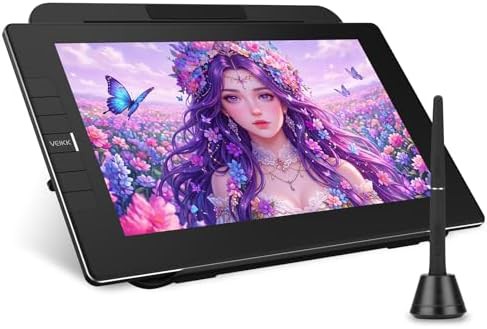
For graphic design Battery-free stylus tablets Drawing tablets with screen Full-laminated screen tablets 16384 pressure level tablets
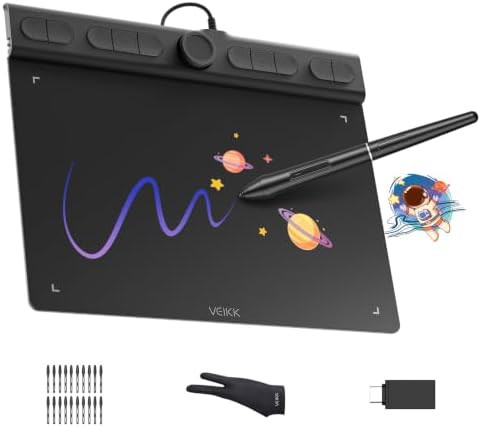
Screenless drawing tablets Battery-free stylus tablets 16384 pressure level tablets For animation For OSU gaming
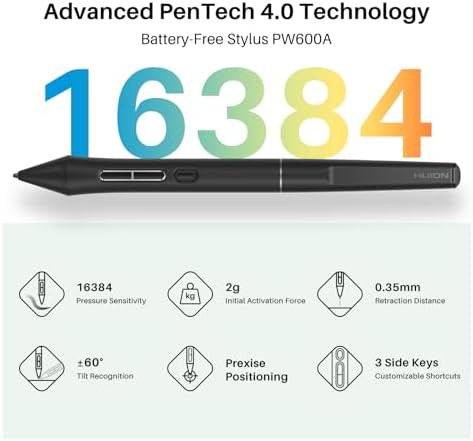
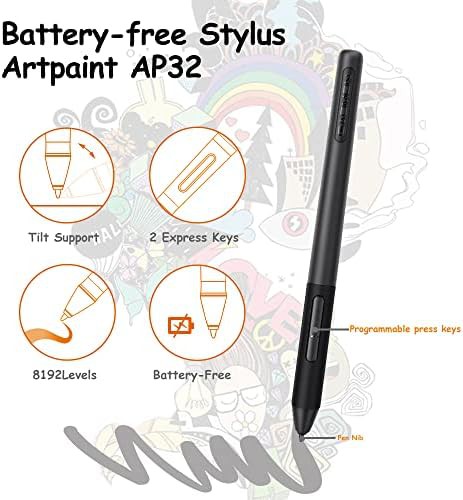
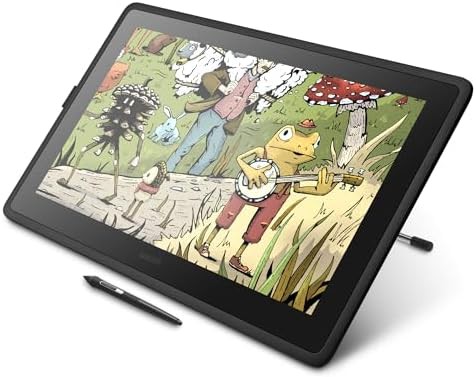
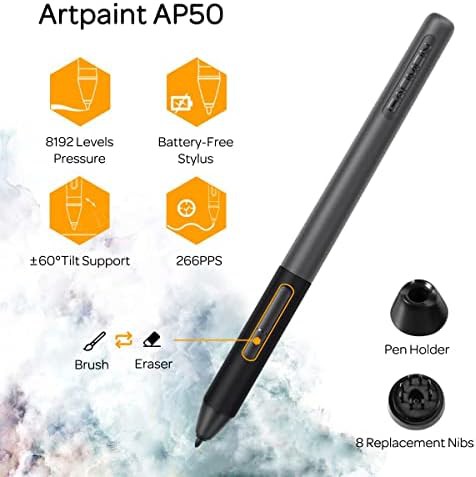
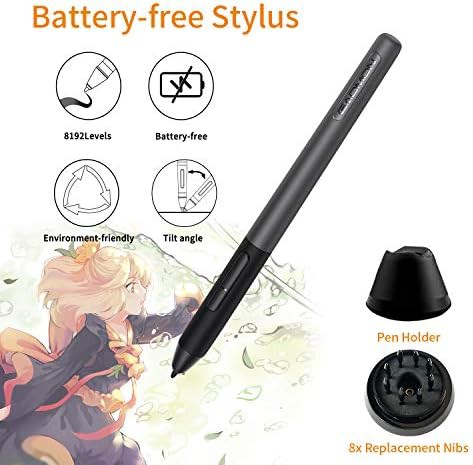
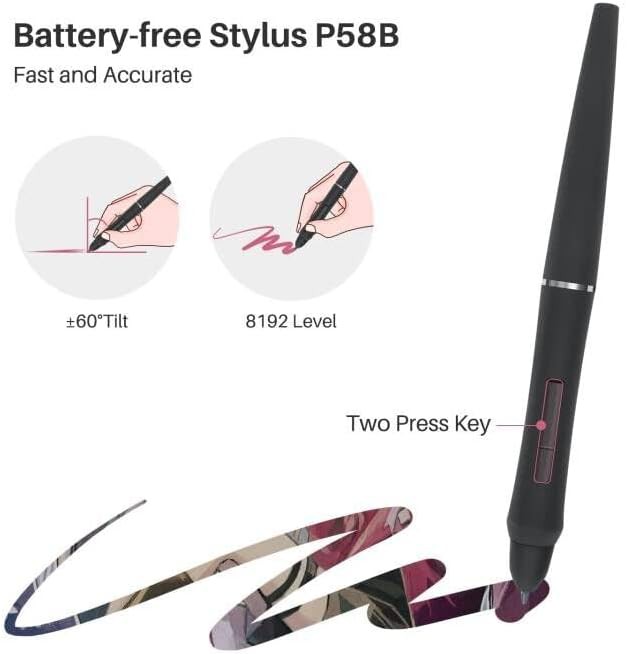
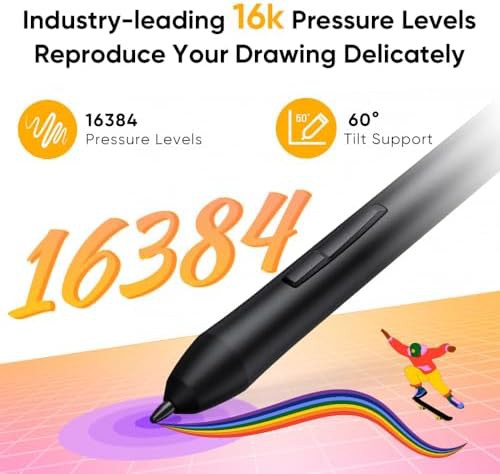
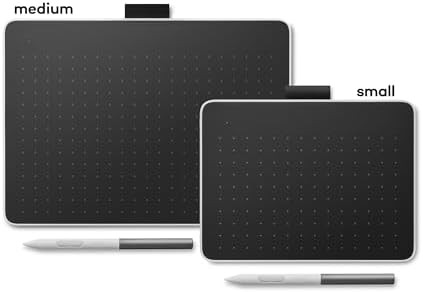
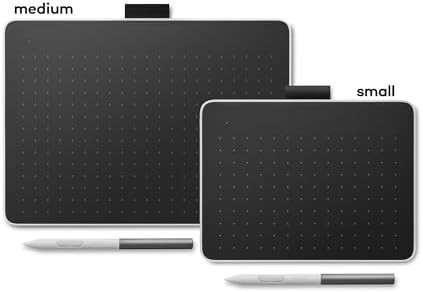
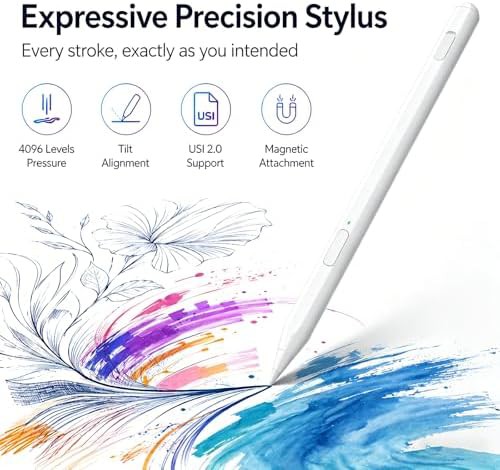
This catalog contains 61 tablets equipped with tilt-sensitive technology. These devices recognize the angle at which you hold the pen, allowing for natural shading and varied brush strokes. This set includes high-end screen monitors like the Wacom Cintiq 22 and portable pen pads from brands like GAOMON and XENCELABS.
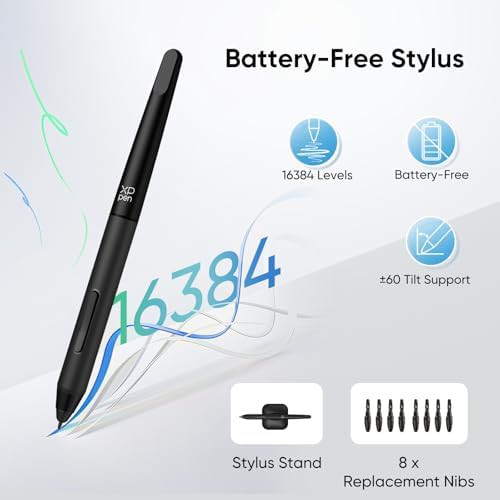
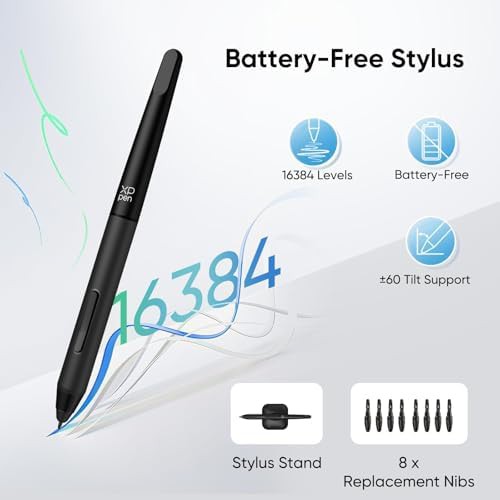
Tilt support is a standard for artists who use digital charcoal, airbrushes, or calligraphy tools. By tilting the stylus, you can change the shape of the digital mark without adjusting software settings. These listings represent the professional tier of input hardware for digital illustration and 3D modeling.
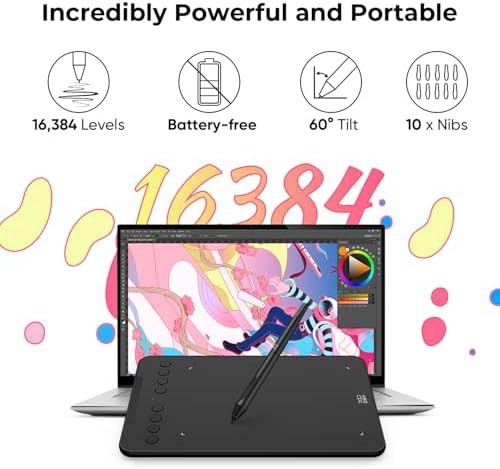
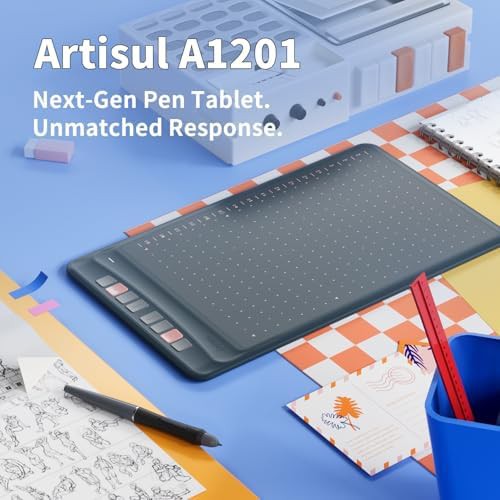
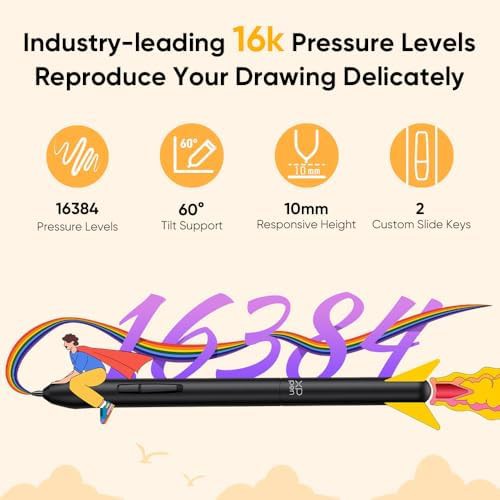
The listings in this set vary from large 22 in studio displays to medium 12 in portable pads. Most models support a 60 degree tilt range, providing a wide area of movement for the hand. High report rates, such as 440PPS in the Artisul A1201, ensure that the tilt and position data are captured without lag.
This collection features several types of tilt-capable hardware:
Browse these listings to find hardware that supports advanced brush techniques. You can open specific brand pages like Wacom or Acepen to compare pen ergonomics and screen lamination. This set is curated for users who require a more tactile and responsive drawing experience.
Q: What is the benefit of tilt support? A: It allows for natural shading and line variation based on pen angle.